Projects/VLC Drill
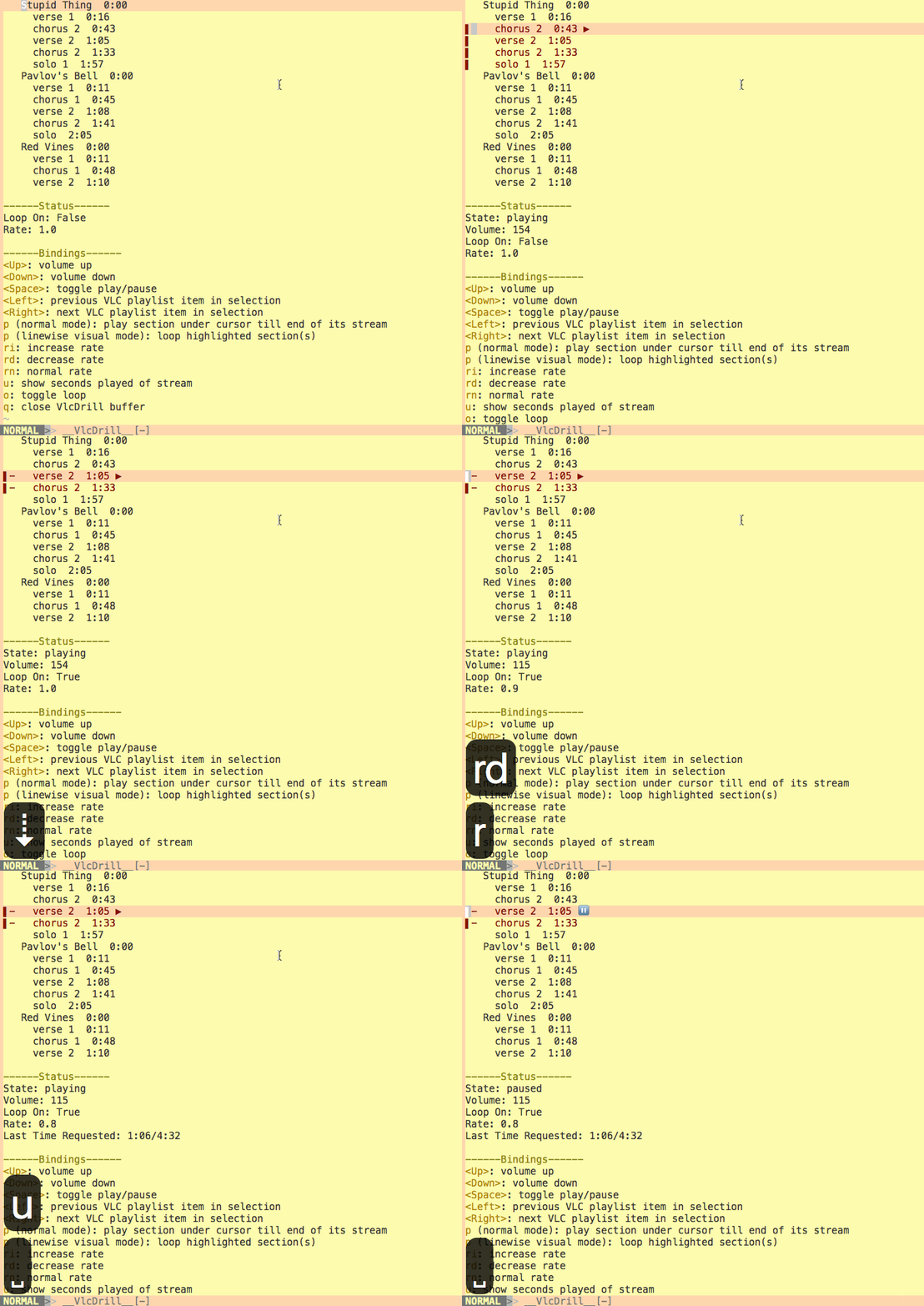
When learning how to play a song by ear, it's useful have sections of it on repeat and/or slowed down. It can be fiddly to keep scrubbing back or to set up a loop for a certain passage, so I hacked together some tooling around VLC as a plugin for my text editor that helps. Here's a screenshot:
{
  "playlist": [{
    "title": "The Sound of Silence",
    "stream": "https://www.youtube.com/watch?v=qwc-PBgh8-w"
  }, {
    "title": "Fade to Black",
    "stream": "https://www.youtube.com/watch?v=1FH6NSPyj18"
  }, {
    "title": "November Rain",
    "stream": "https://www.youtube.com/watch?v=FhbeNEtkgDs"
  }]
}
Implementation-wise, the plugin starts up a VLC telnet server, then netcats over VLC's RC commands to it. Writing Vimscript wasn't as daunting as anticipated; Steve Losh's excellent book and the source code of other plugins turned out to be great reference material for plugin organisation and language idioms.
The VLC plugin is hosted on GitHub. Feedback and contributions are welcome!
Useful Links
- Accomplishing the same thing with VLC's GUI
- Steve Losh's Learn Vimscript the Hard Way, particularly the plugin material from Chapter 41 onward
- Gundo.vim's source code; good example of how to manage the buffer where the interface is rendered